
Number To Words in Excel VBA Code
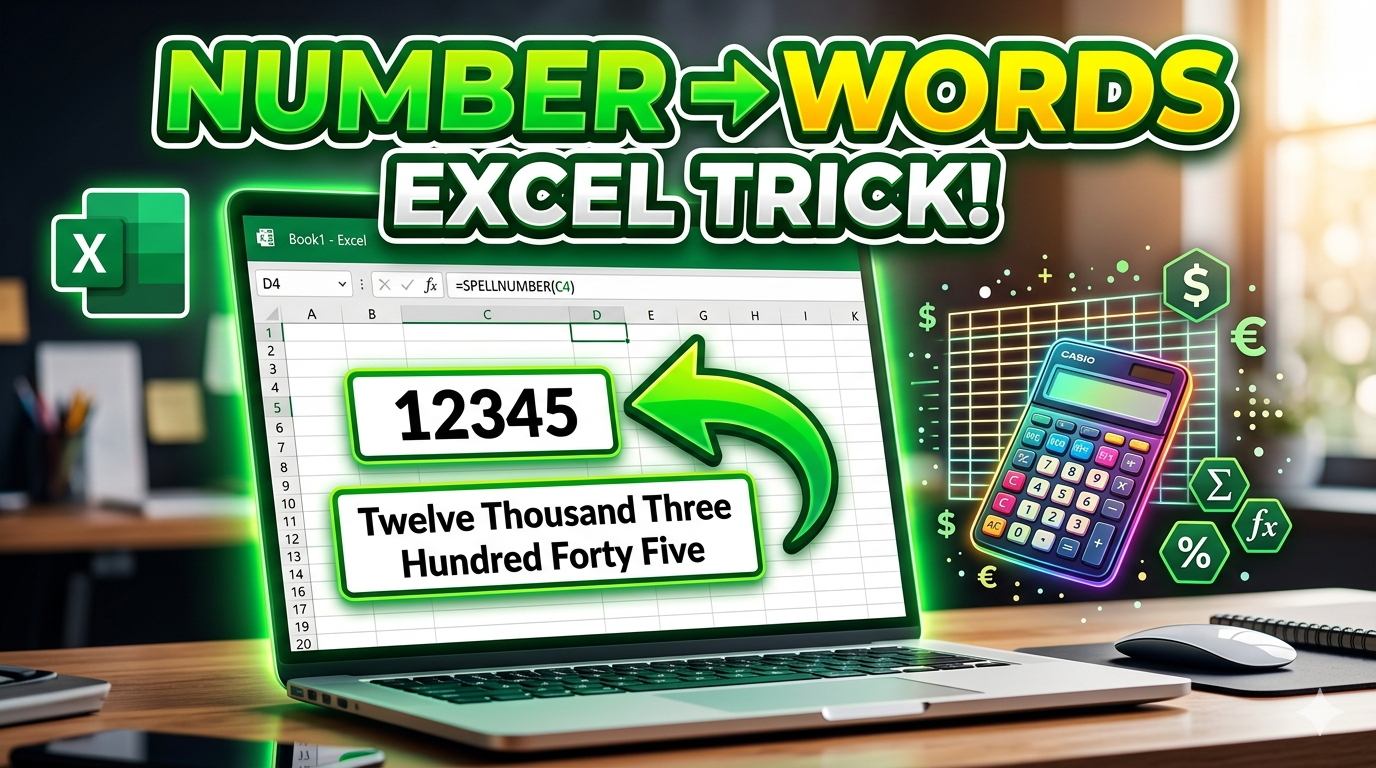
VBA CODE (Indian Rupees – Lakh/Crore Format)
👉 Excel me Alt + F11 → Insert → Module → Paste Code
Function SpellNumber(amt As Variant) As Variant
Dim FIGURE As Variant
Dim LENFIG As Integer
Dim i As Integer
Dim WORDs(19) As String
Dim tens(9) As String
WORDs(1) = "One"
WORDs(2) = "Two"
WORDs(3) = "Three"
WORDs(4) = "Four"
WORDs(5) = "Five"
WORDs(6) = "Six"
WORDs(7) = "Seven"
WORDs(8) = "Eight"
WORDs(9) = "Nine"
WORDs(10) = "Ten"
WORDs(11) = "Eleven"
WORDs(12) = "Twelve"
WORDs(13) = "Thirteen"
WORDs(14) = "Fourteen"
WORDs(15) = "Fifteen"
WORDs(16) = "Sixteen"
WORDs(17) = "Seventeen"
WORDs(18) = "Eighteen"
WORDs(19) = "Nineteen"
tens(2) = "Twenty"
tens(3) = "Thirty"
tens(4) = "Fourty"
tens(5) = "Fifty"
tens(6) = "Sixty"
tens(7) = "Seventy"
tens(8) = "Eighty"
tens(9) = "Ninety"
FIGURE = amt
FIGURE = Format(FIGURE, "FIXED")
FIGLEN = Len(FIGURE)
If FIGLEN < 12 Then
FIGURE = Space(12 - FIGLEN) & FIGURE
End If
If Val(Left(FIGURE, 9)) > 1 Then
SpellNumber = "Rupees "
ElseIf Val(Left(FIGURE, 9)) = 1 Then
SpellNumber = "Rupee "
End If
For i = 1 To 3
If Val(Left(FIGURE, 2)) < 20 And Val(Left(FIGURE, 2)) > 0 Then
SpellNumber = SpellNumber & WORDs(Val(Left(FIGURE, 2)))
ElseIf Val(Left(FIGURE, 2)) > 19 Then
SpellNumber = SpellNumber & tens(Val(Left(FIGURE, 1)))
SpellNumber = SpellNumber & WORDs(Val(Right(Left(FIGURE, 2), 1)))
End If
If i = 1 And Val(Left(FIGURE, 2)) > 0 Then
SpellNumber = SpellNumber & " Crore "
ElseIf i = 2 And Val(Left(FIGURE, 2)) > 0 Then
SpellNumber = SpellNumber & " Lakh "
ElseIf i = 3 And Val(Left(FIGURE, 2)) > 0 Then
SpellNumber = SpellNumber & " Thousand "
End If
FIGURE = Mid(FIGURE, 3)
Next i
If Val(Left(FIGURE, 1)) > 0 Then
SpellNumber = SpellNumber & WORDs(Val(Left(FIGURE, 1))) + " Hundred "
End If
FIGURE = Mid(FIGURE, 2)
If Val(Left(FIGURE, 2)) < 20 And Val(Left(FIGURE, 2)) > 0 Then
SpellNumber = SpellNumber & WORDs(Val(Left(FIGURE, 2)))
ElseIf Val(Left(FIGURE, 2)) > 19 Then
SpellNumber = SpellNumber & tens(Val(Left(FIGURE, 1)))
SpellNumber = SpellNumber & WORDs(Val(Right(Left(FIGURE, 2), 1)))
End If
FIGURE = Mid(FIGURE, 4)
If Val(FIGURE) > 0 Then
SpellNumber = SpellNumber & " Paise "
If Val(Left(FIGURE, 2)) < 20 And Val(Left(FIGURE, 2)) > 0 Then
SpellNumber = SpellNumber & WORDs(Val(Left(FIGURE, 2)))
ElseIf Val(Left(FIGURE, 2)) > 19 Then
SpellNumber = SpellNumber & tens(Val(Left(FIGURE, 1)))
SpellNumber = SpellNumber & WORDs(Val(Right(Left(FIGURE, 2), 1)))
End If
End If
FIGURE = amt
FIGURE = Format(FIGURE, "FIXED")
If Val(FIGURE) > 0 Then
SpellNumber = SpellNumber & " Only "
End If
End Function
✅ USE KAISE KARE
Excel me formula likho:
=SpellNumber(A1)
📊 EXAMPLE
| Number | Output |
|---|---|
| 12345 | Twelve Thousand Three Hundred Forty Five Rupees |
| 100000 | One Lakh Rupees |
| 1250000 | Twelve Lakh Fifty Thousand Rupees |
VBA CODE (Number to Words in Excel)
👉 Excel me Alt + F11 press karo → Insert → Module → ye code paste karo:
Function NumberToWords(ByVal MyNumber)
    Dim Units As Variant, Tens As Variant
    Dim Temp As String, DecimalPlace As Integer, Count As Integer
    Dim DecimalPart As String

    Units = Array("", "One", "Two", "Three", "Four", "Five", "Six", "Seven", "Eight", "Nine", _
                  "Ten", "Eleven", "Twelve", "Thirteen", "Fourteen", "Fifteen", _
                  "Sixteen", "Seventeen", "Eighteen", "Nineteen")
    Tens = Array("", "", "Twenty", "Thirty", "Forty", "Fifty", "Sixty", "Seventy", "Eighty", "Ninety")

    MyNumber = Trim(Str(MyNumber))
    If MyNumber = "" Then
        NumberToWords = ""
        Exit Function
    End If

    ' Find decimal place
    DecimalPlace = InStr(MyNumber, ".")
    If DecimalPlace > 0 Then
        DecimalPart = Mid(MyNumber, DecimalPlace + 1)
        MyNumber = Left(MyNumber, DecimalPlace - 1)
    End If

    Count = 1
    Do While MyNumber <> ""
        Select Case Count
            Case 1: Temp = ConvertHundreds(Right(MyNumber, 3))
            Case 2: Temp = ConvertHundreds(Right(MyNumber, 3)) & " Thousand " & Temp
            Case 3: Temp = ConvertHundreds(Right(MyNumber, 3)) & " Million " & Temp
            Case 4: Temp = ConvertHundreds(Right(MyNumber, 3)) & " Billion " & Temp
        End Select
        If Len(MyNumber) > 3 Then
            MyNumber = Left(MyNumber, Len(MyNumber) - 3)
        Else
            MyNumber = ""
        End If
        Count = Count + 1
    Loop

    Temp = Application.WorksheetFunction.Trim(Temp)

    If DecimalPart <> "" Then
        Temp = Temp & " and " & DecimalPart & "/100"
    End If

    NumberToWords = Temp
End Function

Private Function ConvertHundreds(ByVal MyNumber)
    Dim Units As Variant, Tens As Variant, Result As String

    Units = Array("", "One", "Two", "Three", "Four", "Five", "Six", "Seven", "Eight", "Nine", _
                  "Ten", "Eleven", "Twelve", "Thirteen", "Fourteen", "Fifteen", _
                  "Sixteen", "Seventeen", "Eighteen", "Nineteen")
    Tens = Array("", "", "Twenty", "Thirty", "Forty", "Fifty", "Sixty", "Seventy", "Eighty", "Ninety")

    MyNumber = Right("000" & MyNumber, 3)

    If Val(Left(MyNumber, 1)) > 0 Then
        Result = Units(Val(Left(MyNumber, 1))) & " Hundred "
    End If

    If Val(Right(MyNumber, 2)) < 20 Then
        Result = Result & Units(Val(Right(MyNumber, 2)))
    Else
        Result = Result & Tens(Val(Mid(MyNumber, 2, 1)))
        If Val(Right(MyNumber, 1)) > 0 Then
            Result = Result & "-" & Units(Val(Right(MyNumber, 1)))
        End If
    End If

    ConvertHundreds = Trim(Result)
End Function
✅ USE KAISE KARE
Excel sheet me formula likho:
=NumberToWords(A1)
👉 Example:
12345 → Twelve Thousand Three Hundred Forty Five Rupees
FAQ (Frequently Asked Questions)
❓ How to convert number to words in Excel Indian currency format?
To convert numbers into words in Indian currency format (Lakh & Crore), you need to use a custom VBA function like SpellNumberIndian. After adding the code, you can use a simple formula to get the result in words.
❓ What formula is used to convert number to words in Excel?
Excel does not have a built-in formula for this. You need to use VBA code and then apply a custom function like:=SpellNumberIndian(A1)
❓ How to show amount in words (Rupees) in Excel invoice?
You can use the VBA function in your invoice sheet. Just enter the formula and it will convert the numeric value into words like:
12500 → Twelve Thousand Five Hundred Rupees
❓ Can I convert numbers into words without using VBA in Excel?
By default, Excel does not support this feature without VBA. However, you can use add-ins or online tools, but VBA is the most reliable and free method.
❓ What is the difference between Indian and International number format?
Indian format uses Lakh and Crore, while International format uses Million and Billion.
Example:
1,00,000 = One Lakh
1,000,000 = One Million
❓ Is this VBA code safe to use in Excel?
Yes, the VBA code is completely safe if used correctly. Just make sure macros are enabled and you trust the source of the code.
❓ How to enable VBA in Excel?
Press Alt + F11, then go to Insert → Module, and paste the code. Save the file as a .xlsm (Macro Enabled Workbook).
❓ Can I use this method for billing and accounting?
Yes, this is very useful for Invoices, Billing Systems, School Fee Sheets, and Accounting Work where amount in words is required.
❓ How to convert paise also into words in Excel?
The VBA code can also convert decimal values (paise) into words automatically, showing output like:
“One Thousand Rupees and Fifty Paise”
❓ Why is my formula not working after adding VBA code?
Make sure:
✔ Macros are enabled
✔ File is saved as .xlsm
✔ Function name is correct