
Attendance Sheet for Employee in Excel
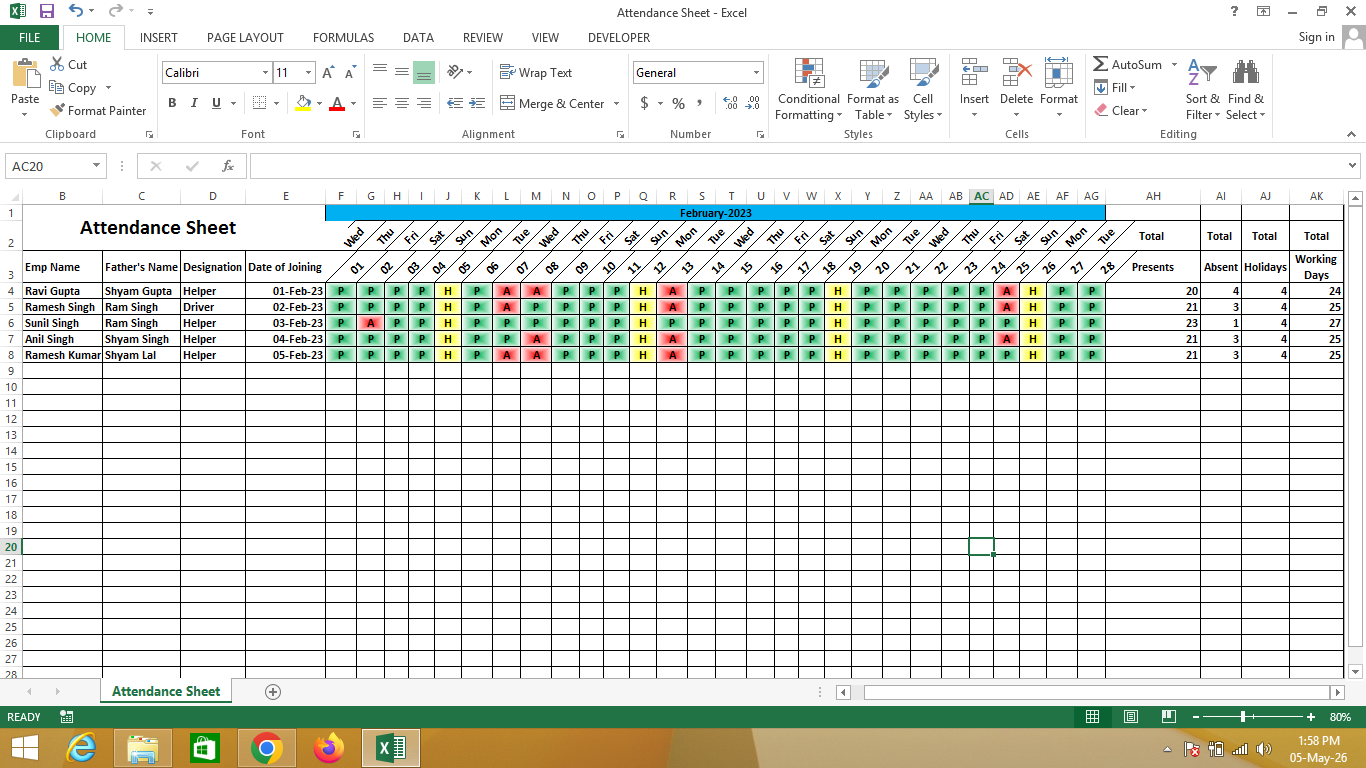
An Attendance Sheet for Employee in Excel is a structured record created using Microsoft Excel that helps track employees’ daily attendance, working hours, and leave status.
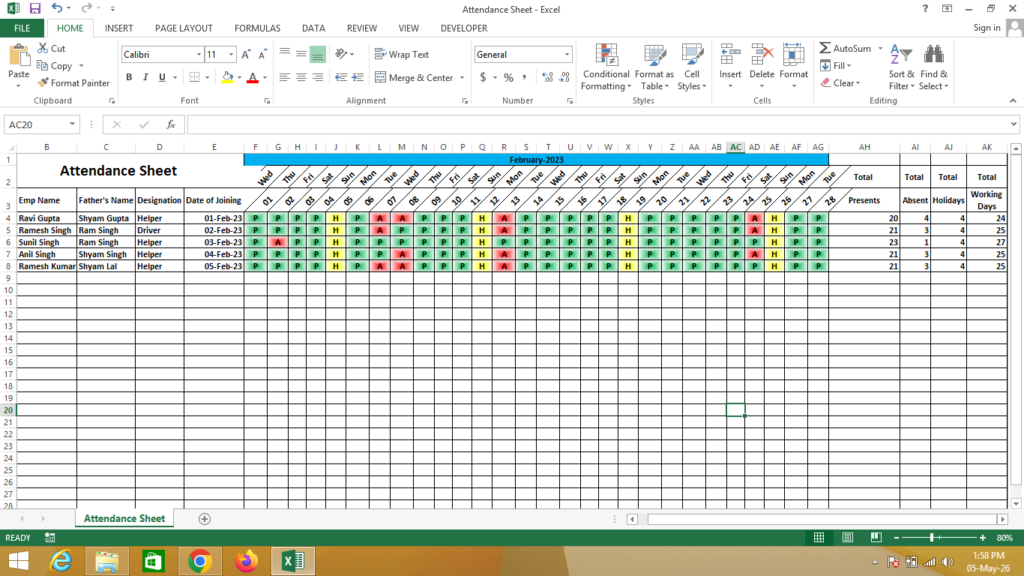
It allows organizations to maintain accurate attendance records and can automatically calculate total present days, absences, and working hours using formulas.
🔹 Simple Definition
An Attendance Sheet is a table that shows:
- Employee name and details
- Daily attendance status (Present/Absent/Leave)
- Total working days
- Total present and absent days
- Optional working hours and overtime
🔹 Key Columns
- Employee Name / ID – Identification
- Date / Month – Attendance period
- Status (P/A/L) – Present, Absent, Leave
- Total Present Days
- Total Absent Days
- Total Working Days
- Working Hours (Optional)
🔹 Why use Excel for Attendance Sheet?
- ✔ Easy daily attendance tracking
- ✔ Automatic calculation of totals
- ✔ Reduces manual errors
- ✔ Simple and cost-effective
- ✔ Customizable for any organization
🔹 Real-life Uses
- Offices and companies
- Schools and colleges
- Coaching institutes
- Factories and shift-based work
- Freelancers and small teams
🔹 Formula Used in Excel
👉 Total Present Days:
= COUNTIF(B2:AF2,"P")👉 Total Absent Days:
= COUNTIF(B2:AF2,"A")👉 Total Working Days:
= COUNTA(B2:AF2)👉 Optional (Leave Count):
= COUNTIF(B2:AF2,"L")IF You Need a Help – Watch Video