1. Introduction
In today’s digital era, computers and networks are constantly at risk from malicious software called viruses. These threats can damage files, slow down systems, steal personal information, or even make computers unusable. Antivirus software is used to prevent, detect, and remove these threats.
2. Definition of Computer Virus
A computer virus is a malicious software program that can replicate itself and spread to other computers. It attaches to programs, files, or boot sectors, activating when the infected file is executed.
Characteristics of a Virus:
- Self-replicates and spreads
- Can hide from detection
- Modifies or deletes files
- Slows down or crashes systems
3. Types of Computer Viruses
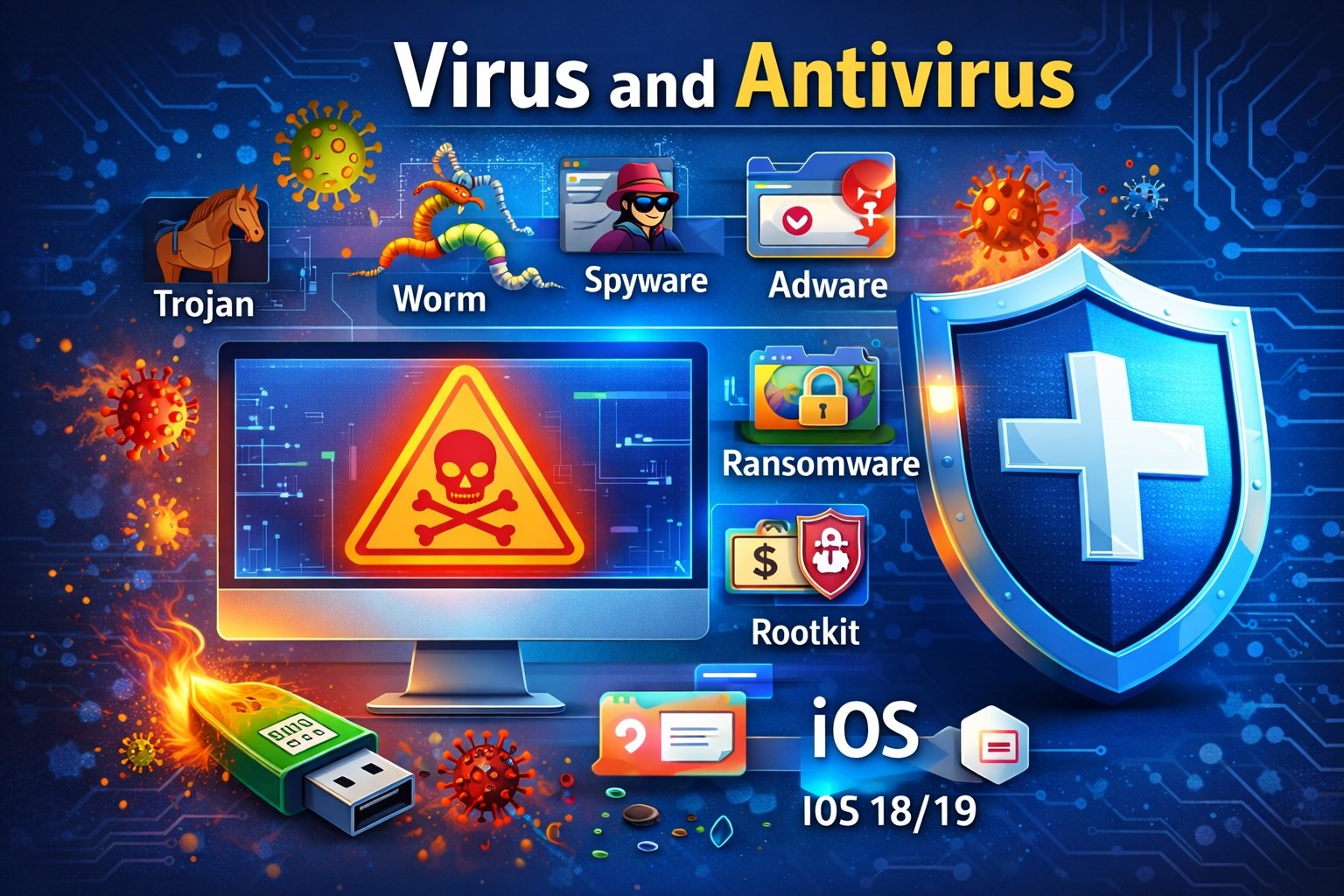
3.1 Trojan Virus
- Disguised as legitimate software.
- Does not replicate itself but allows hackers to access your system.
- Example: Remote Access Trojans (RATs)
3.2 Worms
- Self-replicating virus that spreads across networks.
- Does not require user action to propagate.
- Example: ILOVEYOU, Stuxnet
3.3 Spyware
- Monitors user activity without permission.
- Can steal passwords, browsing history, or financial data.
- Example: CoolWebSearch, Gator
3.4 Adware
- Displays unwanted advertisements.
- Usually bundled with free software.
- Example: Fireball, DollarRevenue
3.5 Ransomware
- Encrypts user files and demands ransom for decryption.
- Example: WannaCry, Petya
3.6 Rootkit
- Hides malware within system files to avoid detection.
- Provides unauthorized access to hackers.
- Example: Stuxnet, Necurs
3.7 Macro Virus
- Infects documents with macros (e.g., Word, Excel).
- Activates when the document is opened.
- Example: Melissa Virus
3.8 Boot Sector Virus
- Infects the boot sector of hard drives or USB drives.
- Executes when the system starts.
- Example: Michelangelo Virus
3.9 Polymorphic Virus
- Changes its code every time it spreads to avoid detection.
3.10 Multipartite Virus
- Attacks multiple areas (files and boot sector) simultaneously.
4. Effects of Computer Viruses
- Loss or corruption of data
- Slowed system performance or crashes
- Unauthorized access to sensitive data
- Network disruptions
- Financial loss due to ransomware or fraud
5. Prevention and Protection
- Install antivirus software
- Regularly update operating systems and applications
- Avoid unknown email attachments or downloads
- Enable firewalls
- Avoid pirated software
- Backup important data regularly
6. Antivirus Software
Definition: Antivirus software detects, prevents, and removes viruses and other malware.
Functions:
- Scans files and programs for viruses
- Quarantines or removes infected files
- Provides real-time protection
- Updates virus definitions regularly
Popular Antivirus Programs:
- Norton, McAfee, Kaspersky, Avast, Bitdefender, Windows Defender
7. Conclusion
Computer viruses are a serious threat to data and system security. Understanding their types, effects, and preventive measures is crucial. Using antivirus software combined with safe computing practices ensures protection and secure operations.