

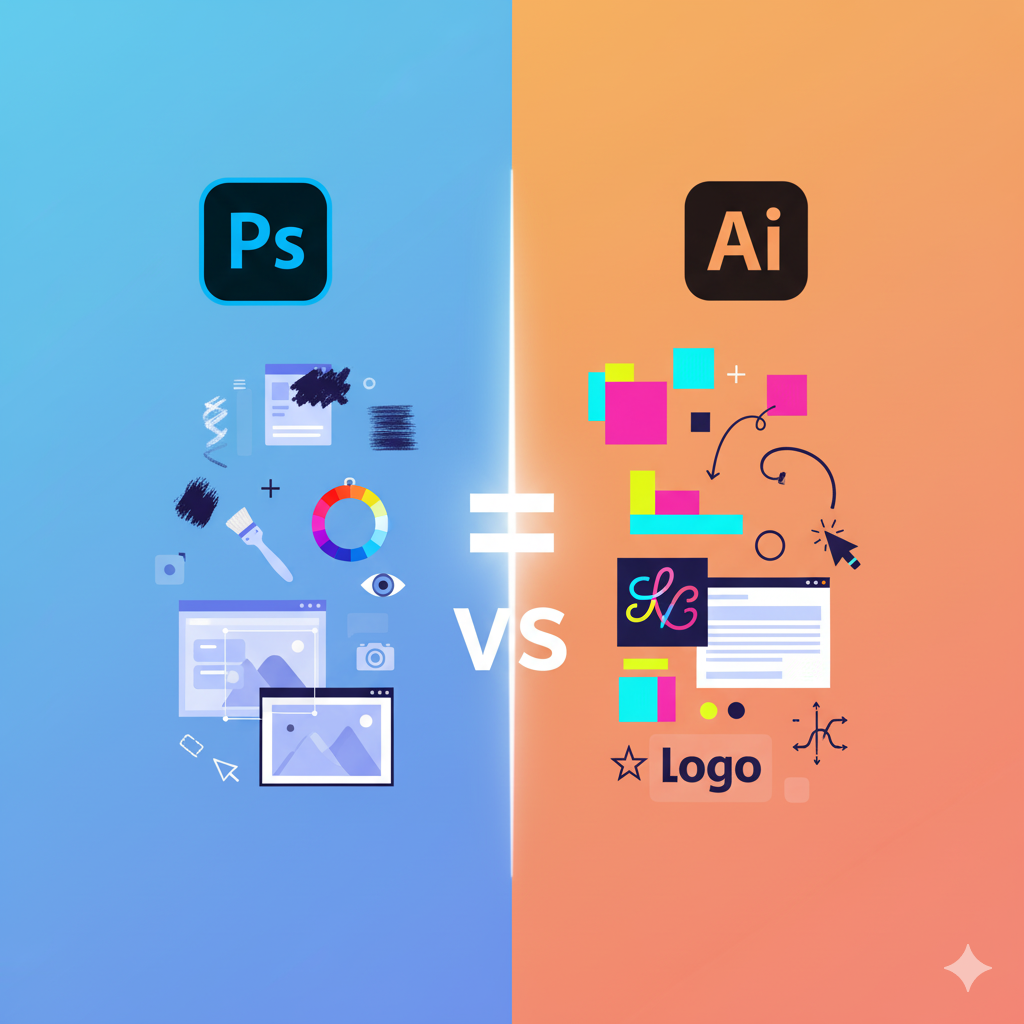
Adobe Photoshop vs Illustrator – Which One to Learn First?
Adobe ke creative software world mein do powerful tools hai – Photoshop aur Illustrator. Lekin beginners ke liye yeh confusion hota hai ki pehle kaun sa software seekhna chahiye. Dono hi software graphic design ke liye use hote hain, lekin unka purpose aur workflow alag hai. Is blog mein hum in dono tools ka comparison karenge aur bataenge ki aapke liye pehle kaunsa seekhna better hoga.
1. Adobe Photoshop Kya Hai?
Adobe Photoshop ek raster-based (pixel-based) software hai, jo photo editing, digital painting, web graphics aur social media posts ke liye use hota hai. Photoshop ka focus mostly images aur pixel editing par hota hai.
Photoshop ke Key Features:
- Photo editing aur retouching
- Color correction aur filters
- Layer-based editing
- Graphic design for web aur social media
- Digital painting aur concept art creation
Photoshop Ka Use Case
- Photo manipulation aur retouching
- Web banners aur social media posts
- Digital illustrations aur paintings
- Marketing materials jaise flyers aur posters
2. Adobe Illustrator Kya Hai?
Adobe Illustrator ek vector-based software hai, jo shapes aur lines ke combination se graphics create karta hai. Vector graphics ka sabse bada fayda yeh hai ki aap graphics ko infinite scale tak resize kar sakte ho without losing quality.
Illustrator ke Key Features:
- Logo aur branding design
- Vector illustrations aur icons
- Print materials jaise business cards aur brochures
- Typography aur text-based designs
Illustrator Ka Use Case
- Logos aur brand identity design
- Vector illustrations aur infographics
- Printable graphics jaise brochures aur posters
- Complex shapes aur illustrations
3. Photoshop vs Illustrator: Key Differences
| Feature | Photoshop | Illustrator |
|---|---|---|
| Type | Raster-based | Vector-based |
| Best For | Photo editing, digital painting | Logos, illustrations, typography |
| Scalability | Limited (pixels degrade on resizing) | Infinite (quality loss nahi hota) |
| Output | Web images, social media graphics, prints | Print materials, scalable graphics |
| Learning Curve | Medium | Medium to High (vectors samajhna zaruri) |
4. Kaun Sa Software Pehle Seekhna Chahiye?
Yeh depend karta hai aapke goal aur career path par:
4.1 Agar aapka goal hai:
- Photo editing, social media graphics, website graphics → Photoshop
- Digital art aur painting → Photoshop
4.2 Agar aapka goal hai:
- Logo designing, branding, print design → Illustrator
- Vector art aur scalable graphics → Illustrator
Rule of Thumb:
- Beginners generally Photoshop se start karte hain kyunki photo editing aur basic graphic design ke liye use hota hai aur zyada versatile hai.
- Illustrator seekhna thoda advance hai, lekin long-term career ke liye especially logo, branding aur vector art ke liye zaruri hai.
5. Photoshop aur Illustrator Dono Seekhne Ke Fayde
- Dono tools aapko creative flexibility dete hain.
- Photoshop aur Illustrator ka knowledge aapko graphic design, digital marketing aur creative careers me advantage deta hai.
- Dono ke sath workflow integrate hota hai – jaise Photoshop me edited images ko Illustrator me import karke vector-based projects create kar sakte hain.
6. Learning Tips for Beginners
- Goal Define Karein: Decide karein ki aap photo editing ya vector design me specialize karna chahte hain.
- Tutorials Follow Karein: YouTube aur Adobe ke official tutorials ka use karein.
- Practice Projects: Mini projects like social media posts, logo design ya digital painting banayein.
- Shortcuts Learn Karein: Photoshop aur Illustrator dono ke shortcuts time-saving hote hain.
- Community Join Karein: Adobe forums aur design communities se connect karein.
Conclusion
Agar aap photo editing aur social media graphics ke liye career shuru kar rahe hain, to Photoshop pehle seekhna best hoga. Agar aap branding, logos aur vector illustrations me career banana chahte hain, to Illustrator pe focus karein. Ideally, dono tools ka knowledge aapko ek versatile designer banata hai aur creative opportunities expand karta hai.


I visited a lot of website but I believe this one holds something extra in it in it