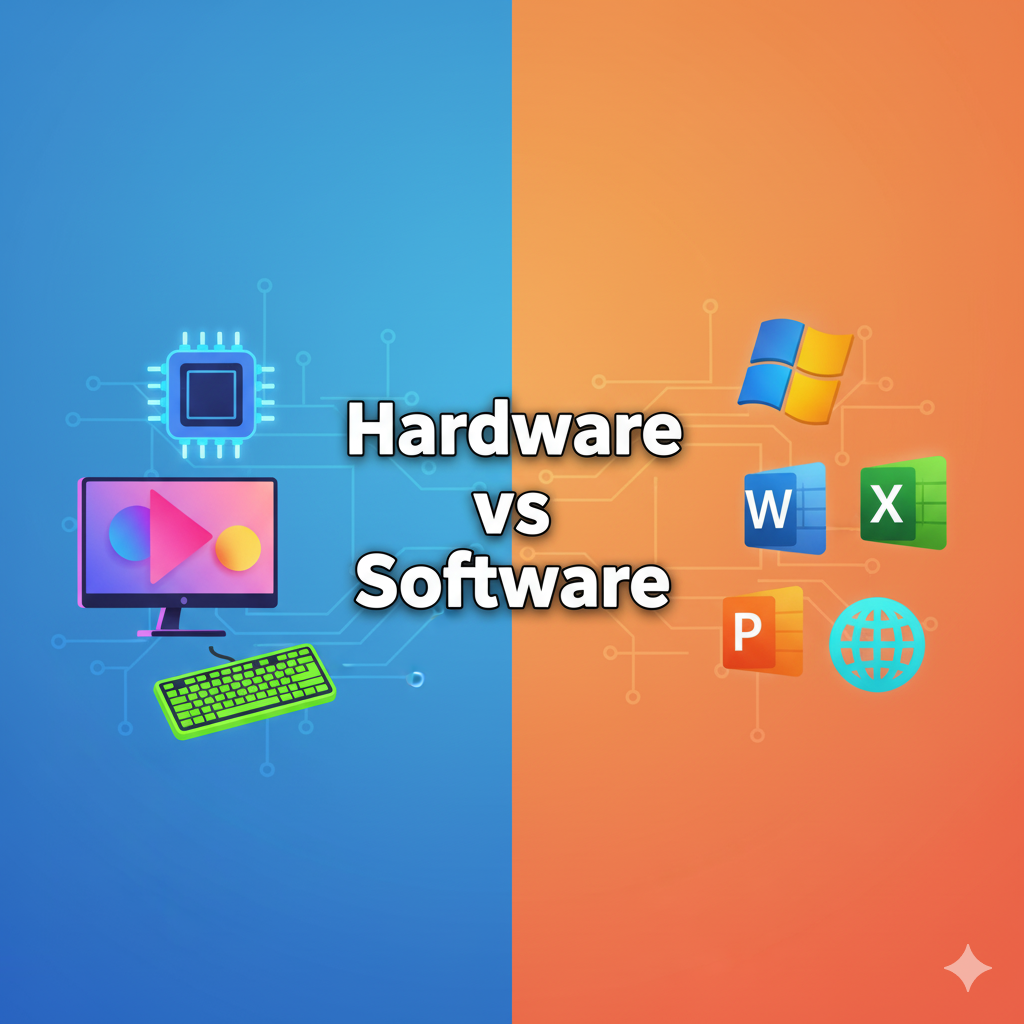
Difference Between Hardware and Software with Examples
In today’s digital era, computers play an essential role in our lives. Whether it’s for work, education, or entertainment, understanding the basic components of a computer is crucial. Two fundamental components that every computer system relies on are hardware and software. Though they work together to make a computer function, they are completely different from each other. In this article, we will explore the differences between hardware and software with examples.
1. What is Hardware?
Hardware refers to the physical components of a computer system that you can see and touch. It includes all the tangible parts of a computer, from the monitor to the keyboard to the motherboard inside your PC. Hardware is responsible for performing the operations and providing a platform for software to run.
Key Features of Hardware:
- Tangible and physical in nature.
- Can be touched and seen.
- Needs software to function properly.
- Typically has a longer life span.
- Can be damaged physically.
Examples of Hardware:
- Input Devices: Keyboard, Mouse, Scanner.
- Output Devices: Monitor, Printer, Speakers.
- Storage Devices: Hard Disk Drive (HDD), Solid State Drive (SSD), USB Flash Drive.
- Internal Components: CPU (Central Processing Unit), RAM (Random Access Memory), Motherboard, Graphics Card.
Note: Hardware is essential because, without it, software cannot operate. For example, a word processing software like Microsoft Word cannot function without a computer or device to run on.
2. What is Software?
Software refers to the intangible programs and instructions that tell the computer hardware what to do. Software cannot be touched physically; it exists in the form of code, applications, or programs. It enables the hardware to perform specific tasks.
Key Features of Software:
- Intangible and non-physical.
- Cannot be touched or seen directly.
- Depends on hardware to run.
- Can be updated, modified, or deleted easily.
- Does not wear out physically but may become outdated.
Examples of Software:
- System Software:
- Operating Systems like Windows, macOS, Linux.
- Utility programs like antivirus software.
- Application Software:
- Microsoft Office (Word, Excel, PowerPoint).
- Web browsers like Google Chrome, Firefox.
- Media players like VLC, Spotify.
- Programming Software:
- Tools like Visual Studio, Eclipse, or PyCharm used for coding.
Note: Software acts as a bridge between the user and the hardware. Without software, a computer is just a collection of electronic parts that cannot perform meaningful tasks.
3. Hardware vs Software – Key Differences
| Feature | Hardware | Software |
|---|---|---|
| Definition | Physical parts of a computer system. | Programs and instructions that run on hardware. |
| Nature | Tangible and visible. | Intangible and invisible. |
| Dependence | Works independently but needs software to perform tasks. | Cannot work without hardware. |
| Durability | Can be physically damaged but lasts longer. | Can be corrupted or outdated but doesn’t wear out physically. |
| Examples | CPU, RAM, Keyboard, Monitor, Printer. | Windows OS, Microsoft Office, Web Browsers. |
| Modification | Difficult to modify once manufactured. | Easy to update or modify. |
4. Relationship Between Hardware and Software
Hardware and software are interdependent. Hardware provides the platform for software to execute tasks, while software instructs the hardware on how to operate. For example, when you click the Print button on Microsoft Word (software), the computer sends commands to the printer (hardware) to produce a physical document.
Without hardware, software cannot function, and without software, hardware is useless.
Conclusion
In summary, both hardware and software are essential components of a computer system. Hardware is the tangible part that performs operations, while software is the intangible set of instructions that tells the hardware what to do. Understanding the difference between these two is crucial for anyone looking to improve their computer literacy.
Quick Recap:
- Hardware: Physical components like CPU, RAM, and Monitor.
- Software: Programs like Windows, Chrome, and Microsoft Office.
- Key Difference: Hardware is tangible; software is intangible.