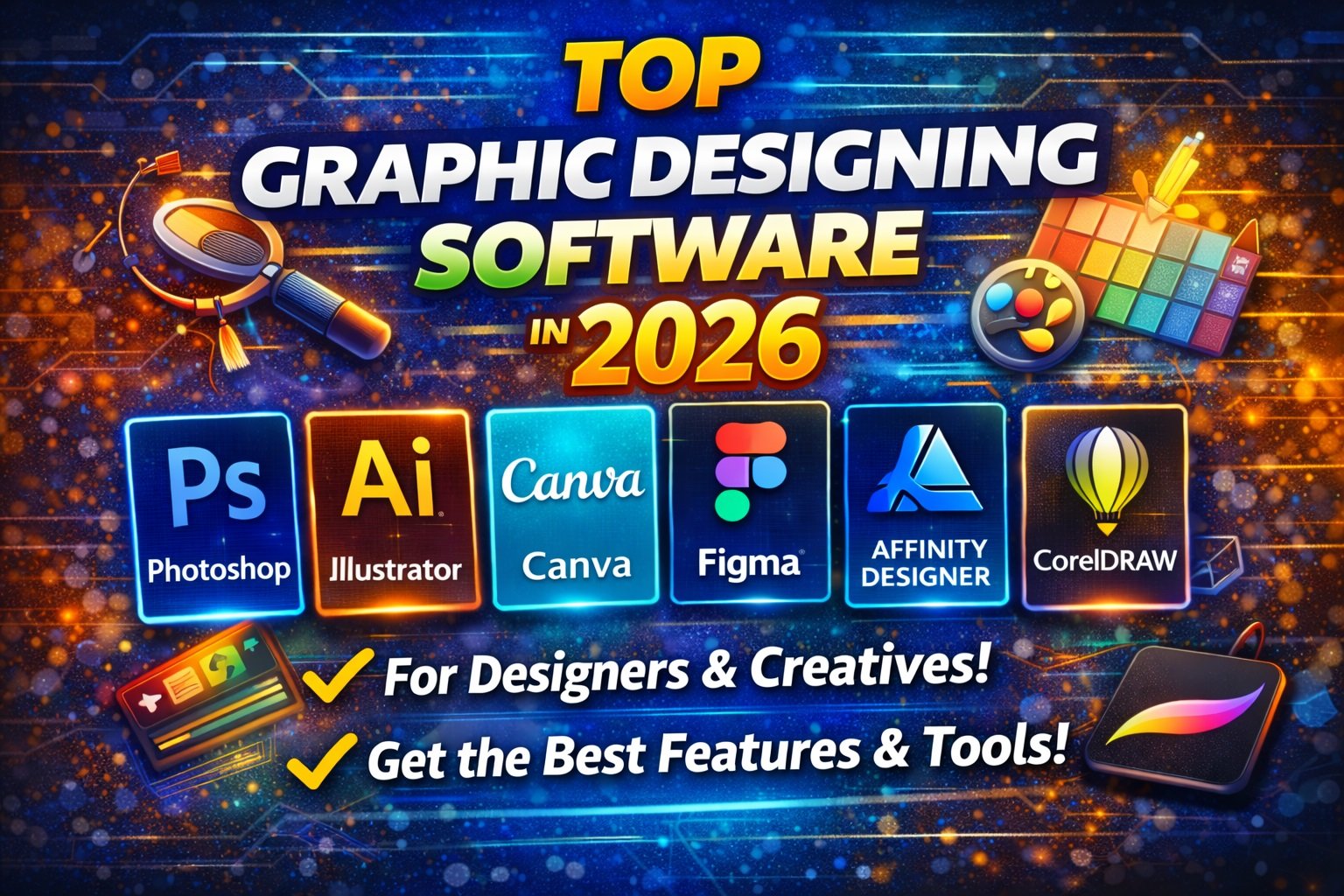
Graphic design aaj har field me bahut important skill ban chuka hai—chahe aap student ho, freelancer ho, marketer ho, social media creator ho, ya business owner.
2026 me design tools aur software zyada powerful, AI-enabled aur user-friendly ho rahe hain.
Is post me hum 2026 ke Top Graphic Designing Software ko detail me discuss karenge—features, benefits, pricing, platforms, aur kaun sa software aapke use ke liye best rahega.
1️⃣ Adobe Photoshop
📌 Overview
Adobe Photoshop creative industry ka most powerful raster graphics editor hai. Photo editing, retouching, digital painting, mockups aur visual design ke liye best tool hai.
✔ Key Features
- Advanced photo editing
- Layers & masks
- AI-powered tools (Content-Aware, Sky Replacement)
- Smart object support
💡 Best For
- Photo editors
- Graphic designers
- UI/UX designers
- Social media creatives
💰 Pricing (Approx)
- ₹1,675/month (Adobe Creative Cloud plan)
2️⃣ Adobe Illustrator
📌 Overview
Adobe Illustrator vector graphics ke liye industry standard tool hai. Logo design, icons, illustrations aur scalable art ke liye perfect hai.
✔ Key Features
- Vector shapes & paths
- Pen tool & anchor control
- Type & typography tools
- Integration with Creative Cloud
💡 Best For
- Logo creators
- Illustrators
- Print designers
💰 Pricing (Approx)
- ₹1,675/month (Adobe Creative Cloud plan)
3️⃣ Canva
📌 Overview
Canva ek cloud-based, beginner-friendly design tool hai jahan templates aur drag-and-drop interface se easily visuals bana sakte ho.
✔ Key Features
- Thousands of templates
- Brand kit & fonts
- Team collaboration
- Social media post designer
💡 Best For
- Beginners
- Social media marketers
- Small business owners
💰 Pricing
- Free plan available
- Pro plan: ₹750/month approx
4️⃣ Figma
📌 Overview
Figma modern design ecosystem hai—vector tools + UI/UX collaboration + real-time teamwork features ke sath.
✔ Key Features
- Real-time collaboration
- Auto layout
- Vector editing
- Prototyping
💡 Best For
- UI/UX designers
- Web & app design teams
💰 Pricing
- Free tier available
- Professional: ₹500/month approx
5️⃣ Affinity Designer
📌 Overview
Affinity Designer ek powerful vector & raster design tool hai—Photoshop/Illustrator ka cost-effective alternative.
✔ Key Features
- Non-destructive editing
- Vector & pixel workspaces
- Fast performance
💡 Best For
- Freelancers
- Independent creators
💰 Pricing
- One-time purchase (no subscription)
6️⃣ CorelDRAW Graphics Suite
📌 Overview
CorelDRAW long-time favorite vector editor hai, especially print design aur branding projects ke liye.
✔ Key Features
- Vector illustration
- Page layout tools
- Color management
- Print-ready output
💡 Best For
- Print designers
- Branding projects
💰 Pricing
- Subscription & perpetual license available
7️⃣ Procreate (iPad Only)
📌 Overview
Procreate ek industry-leading digital painting app iPad ke liye—artists aur illustrators ke beech extremely popular.
✔ Key Features
- Pressure-sensitive brushes
- High-resolution canvas
- Animation tools
💡 Best For
- Digital artists
- Illustrators
💰 Pricing
- One-time purchase on App Store
⚖️ Quick Comparison (2026 Best Graphic Design Software)
| Software | Best For | Platform | Cost |
|---|---|---|---|
| Photoshop | Photo editing | Win/Mac | Subscription |
| Illustrator | Vector art | Win/Mac | Subscription |
| Canva | Social media | Web/Mobile | Free + Pro |
| Figma | UI/UX Design | Web | Free + Paid |
| Affinity Designer | Illustrator alternative | Win/Mac | One-time |
| CorelDRAW | Print & branding | Win/Mac | Paid |
| Procreate | Digital art | iPad | One-time |
🟦 How to Choose Best Software
✔ Simple & social graphics → Canva
✔ Professional editing → Photoshop
✔ Scalable logos → Illustrator
✔ UI/UX & teams → Figma
✔ Budget-friendly one-time purchase → Affinity Designer
✔ Print & branding → CorelDRAW
✔ iPad digital art → Procreate