
Loan EMI Calculator in Excel?
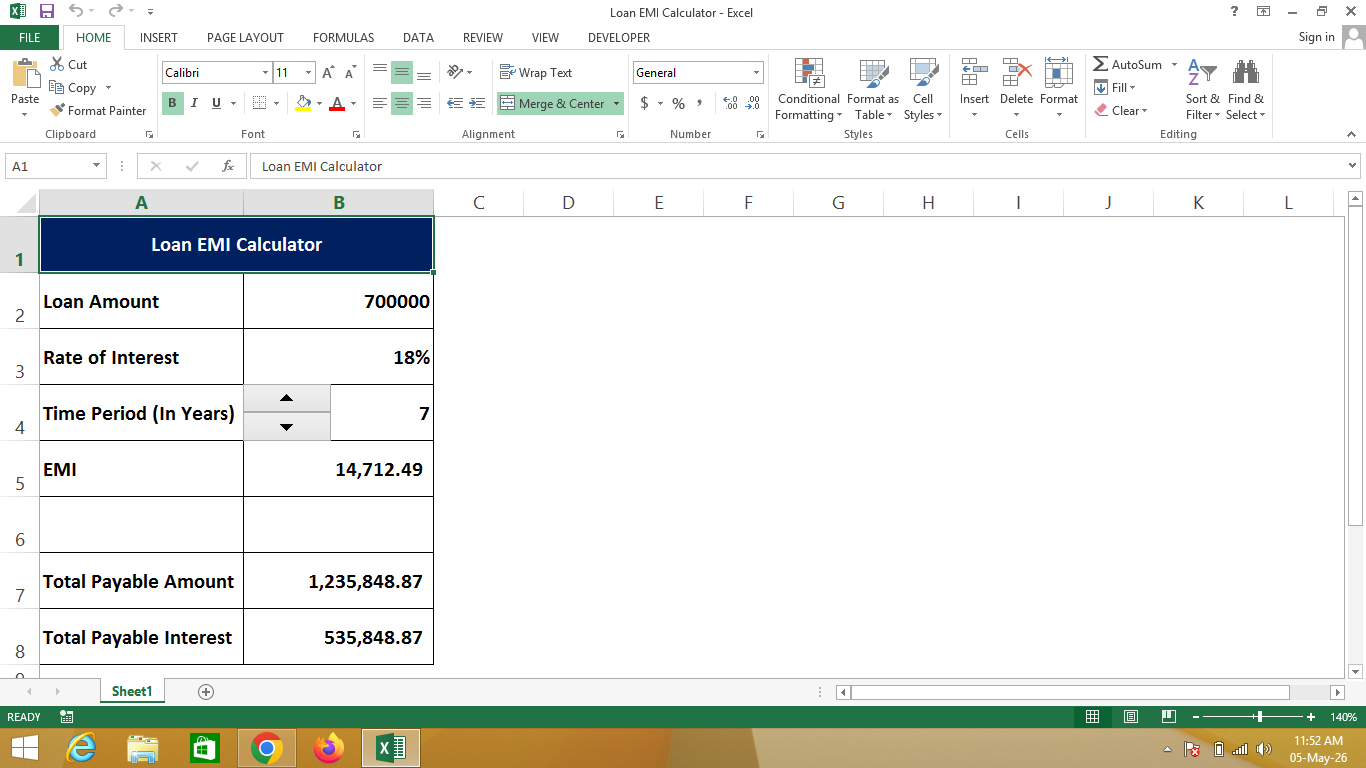
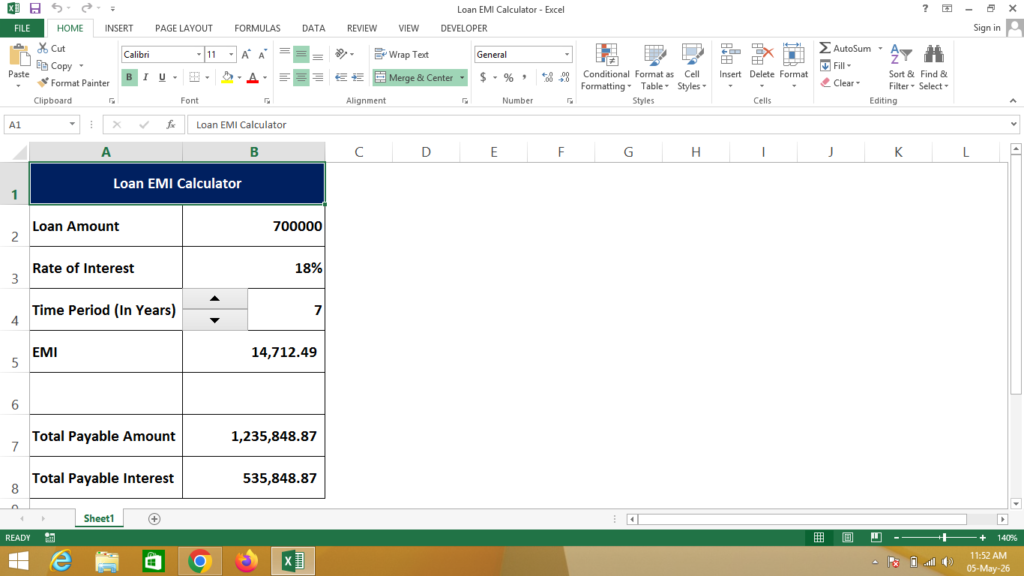
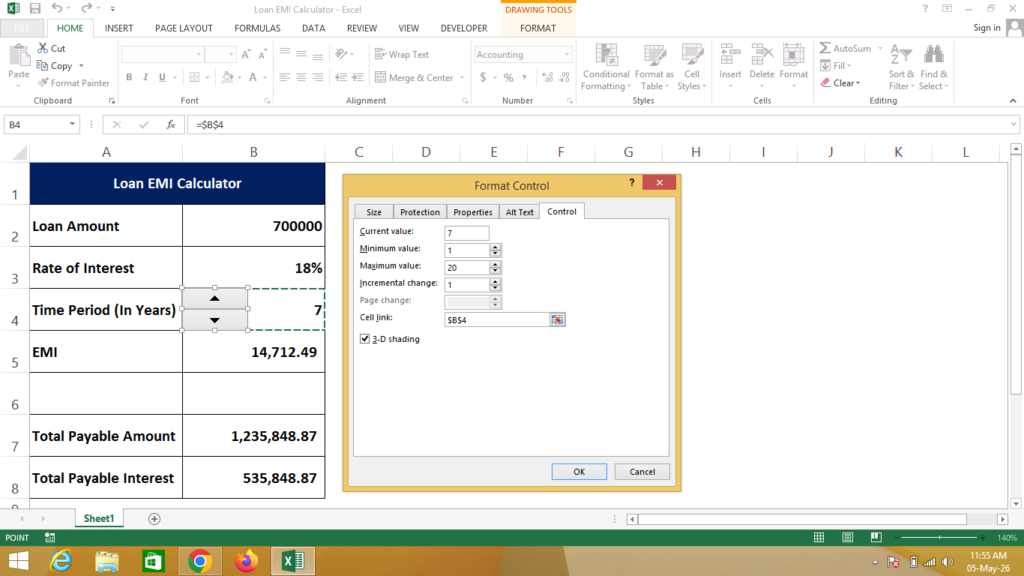
A Loan EMI Calculator in Excel is a financial tool created using Microsoft Excel that helps calculate the Equated Monthly Installment (EMI) for a loan based on loan amount, interest rate, and time period.
It automatically calculates the monthly EMI, total payable amount, and total interest using built-in Excel formulas, making loan planning easy and accurate.
🔹 Simple Definition
A Loan EMI Calculator is a structured sheet that shows:
- Loan amount (principal value)
- Rate of interest (%)
- Time period (in years)
- Monthly EMI amount
- Total amount payable
- Total interest payable
🔹 Columns Explanation
- Loan Value – Total loan amount taken
- Rate of Interest – Annual interest rate (%)
- Time Period (Years) – Duration of loan
- EMI – Monthly installment to be paid
- Total Payable Amount – Total amount paid including interest
- Total Payable Interest – Extra amount paid as interest
🔹 Why use Excel for EMI Calculation?
- ✔ Accurate EMI calculation using formulas
- ✔ Saves time compared to manual calculation
- ✔ Easy comparison of different loan options
- ✔ Professional and easy-to-understand format
- ✔ Useful for financial planning
🔹 Real-life Uses
- Bank loan calculations
- Home loan / car loan planning
- Personal finance management
- Students learning financial concepts
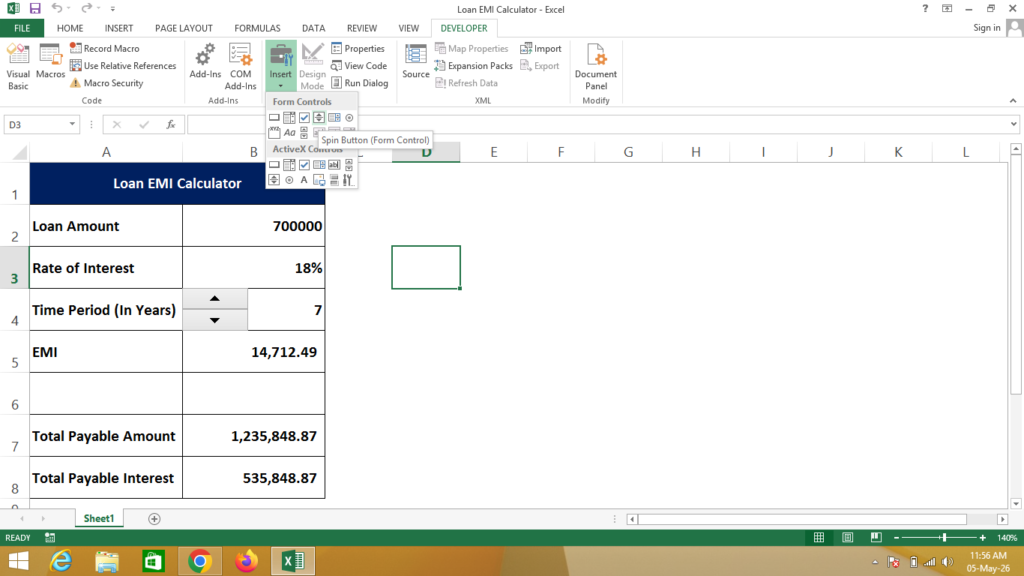
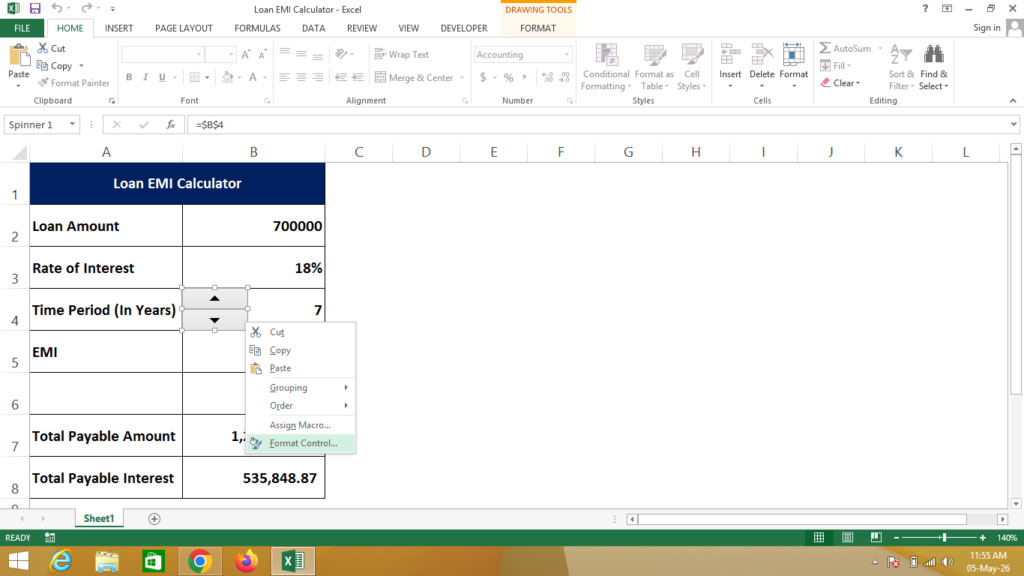
Formula
EMI = -PMT(Click on Rate of Interest / 12, Click on Time Periods * 12, Click on Loan Value)
Total Payable Amount = Click on EMI * Click on Time Periods * 12
Total Payable Interest = Click on Total Payable Amount – Click on Loan Value
If You Need a Help – Watch Video